
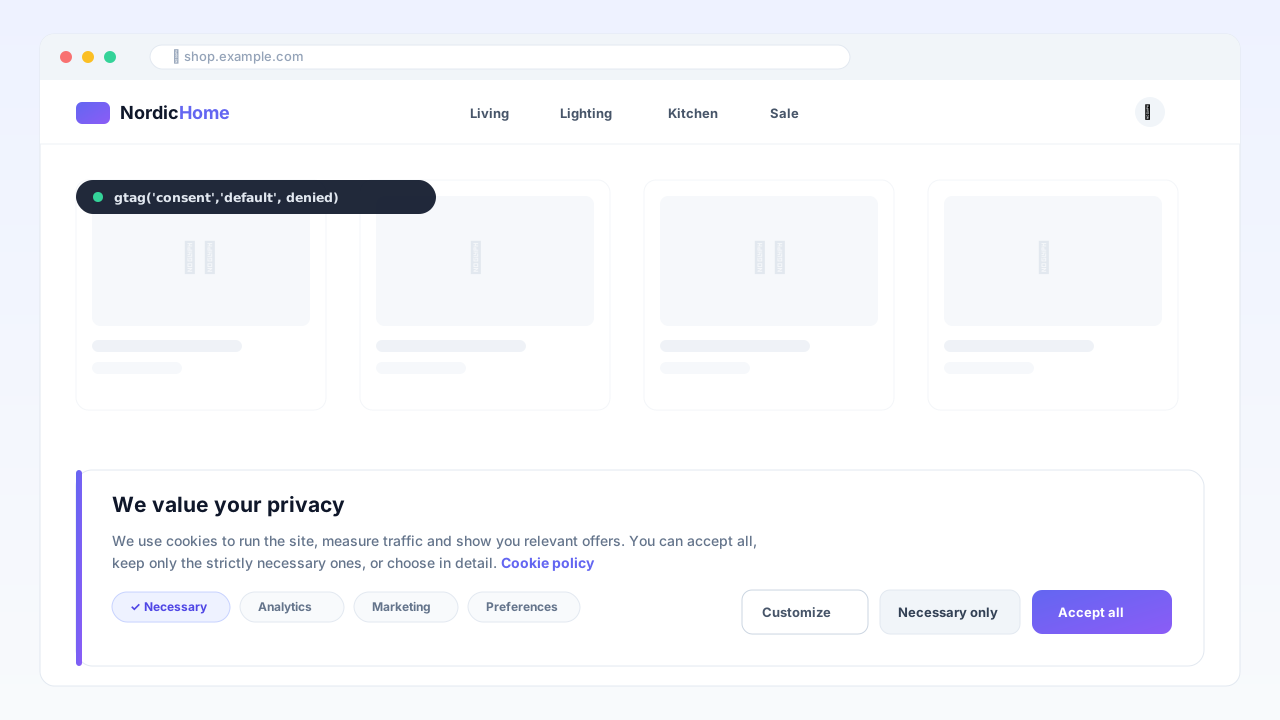
Ihre Cookie-Einwilligung — im eigenen Besitz, nicht gemietet
Consent Manager bringt eine vollständige Consent-Management-Plattform auf OpenMage und Magento 1.9 — mit nativer Google Consent Mode v2-Unterstützung im Advanced-Modus. Kein monatliches CMP-Abo, kein Dritt-JavaScript: alles läuft auf Ihrem Shop.
Google Consent Mode v2, richtig umgesetzt
Die Standardsignale (ad_storage, ad_user_data, ad_personalization, analytics_storage) werden als denied in den dataLayer geschrieben, bevor ein Google-Tag lädt. Bei der Auswahl des Besuchers sendet das Modul gtag('consent','update',…) — Google Ads und GA4 modellieren Conversions auch bei Ablehnung, genau wie von Google seit März 2024 gefordert.
Alles, was ein DSGVO-Audit verlangt
Einwilligungsregister (Nachweis Art. 7): jede Wahl wird mit Zeitstempel, Richtlinienversion und anonymisierbarer IP protokolliert — mit konfigurierbarer Aufbewahrung und automatischer Bereinigung.
Recht auf Löschung (Art. 17): Einträge werden zusammen mit dem Kundenkonto gelöscht.
Granulare Kategorien: notwendig / Statistik / Marketing / Präferenzen, jeweils mit editierbaren Texten.
Für echte Shops gebaut
Cache-sicher: der Einwilligungsstatus lebt zu 100 % client-seitig — funktioniert mit FPC, LiteSpeed Cache und Varnish.
AMP-Unterstützung: natives
<amp-consent>mit granularen Zwecken.Vollständig anpassbar: Balken oder Box, blockierend oder nicht, Ihre Farben, eigenes CSS — mit Live-Vorschau im Admin.
Jeder Text editierbar pro Store-View — in jeder Sprache lieferbar.
Technische Voraussetzungen
OpenMage LTS 19.x/20.x oder Magento CE 1.9.x · PHP 7.2+ · ionCube Loader (kostenlos). Das Banner schützt Ihren Shop unabhängig vom Lizenzstatus — die Lizenz schaltet Updates und Support frei.
Plattform
OpenMage
Neueste Version
—
PHP
—
Aktualisiert
—
1. Requirements
OpenMage LTS 19.x/20.x or Magento CE 1.9.x
PHP 7.2+ with the ionCube Loader enabled (most hosts have it; check with a
phpinfo()page or ask your host)Your Google tags (gtag.js or GTM) already loaded by your theme
2. Install the files
Download the package from your Imavio account (Downloads) after purchase.
Unzip it and upload the contents over your Magento root — it merges into
app/code/local/Imavio/ConsentV2,app/etc/modules/Imavio_ConsentV2.xmlandapp/design/…. No core files are overwritten.Flush the cache: System → Cache Management → Flush Magento Cache. The setup script creates the
imavio_consent_logtable automatically.
3. Activate your license
Go to System → Configuration → Imavio Extensions → CMP v2 Manager → License.
Paste the license key from your Imavio account and save.
The banner works immediately; the license unlocks updates (validated in the background).
4. Configure the banner
General: enable it (desktop/AMP), set your cookie-policy page URL, retention days and
wait_for_update.Content: edit the banner and modal texts and button labels per store view (English defaults are provided).
Categories: keep or rename necessary / analytics / marketing / preferences and edit their descriptions.
Design: choose bar or box, blocking or not, your colors and radius — a live preview is shown in admin.
5. Verify
Open your storefront in a private window — the banner appears and, until you choose, Google tags run in cookieless (denied) mode.
Accept or reject; check Imavio Extensions → CMP v2 Manager → Consent Log for the recorded entry.
Use Google Tag Assistant to confirm the
consent updateevent fires with your choice.
Updates & support
New versions appear under Downloads in your account while your update window is active. Need help? Open a ticket from your Imavio account — support is included with your license.
Kundenbewertungen
Noch keine Bewertungen — teilen Sie als Erster Ihre Erfahrung.
Anmelden um eine Bewertung zu schreiben.
Das könnte Ihnen auch gefallen
 OpenMage
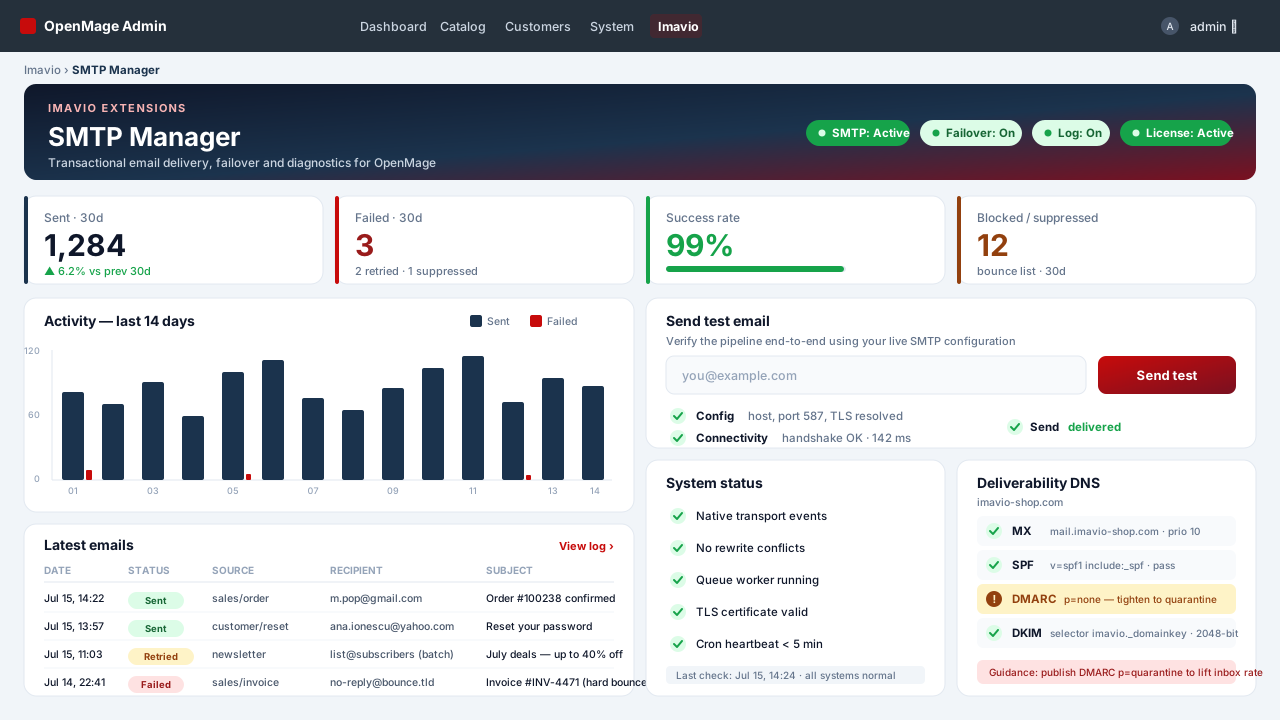
SMTP Manager — Authentifizierte E-Mail & Protokoll
Authentifiziertes SMTP für jede OpenMage-E-Mail — Transaktion, Bestell-Queue, Checkout und Newsletter — mit vollständigem Versand-Log, automatischem Failover und einem Deliverability-Doctor, ganz ohne eine einzige Core-Klasse zu überschreiben.
 OpenMage
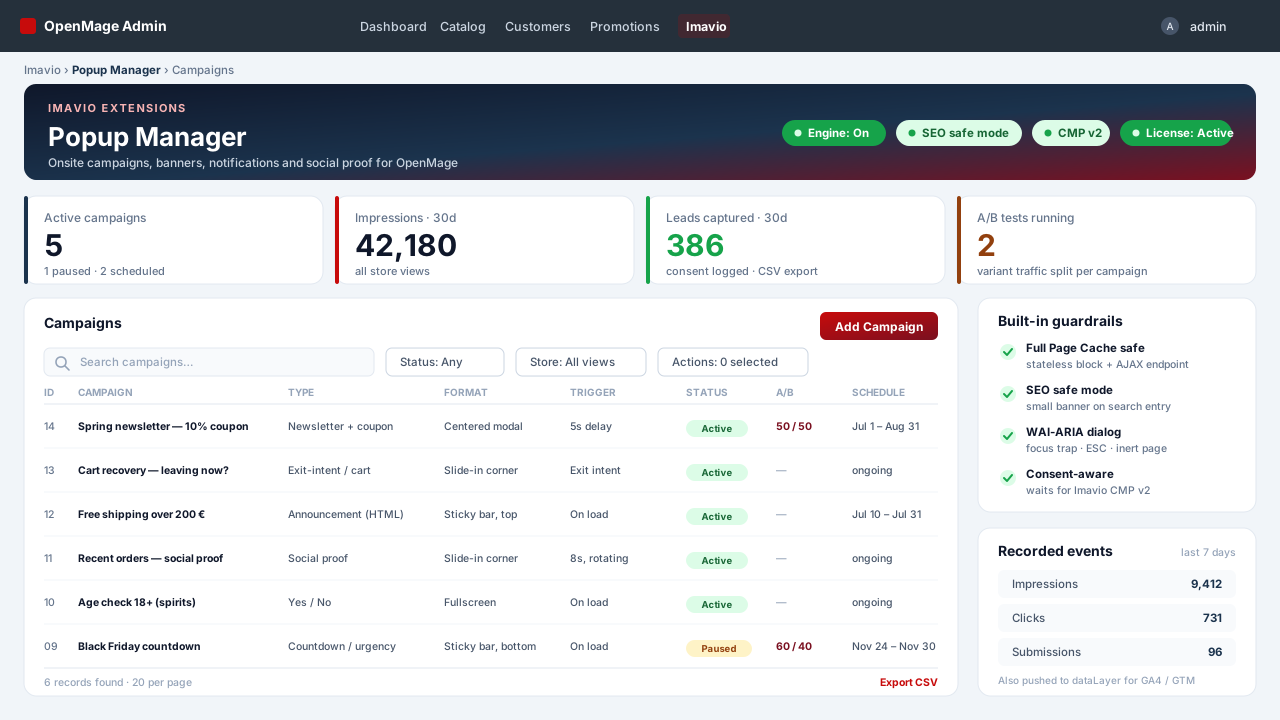
Popup Manager — Onsite-Kampagnen & Social Proof
Popups, Sticky-Bars, Slide-ins und Social-Proof-Benachrichtigungen für OpenMage — cache-sicher durch Konstruktion, barrierefrei ab Werk, einwilligungsbewusst, mit Bedingungsbaum-Targeting und A/B-Tests.
 OpenMage
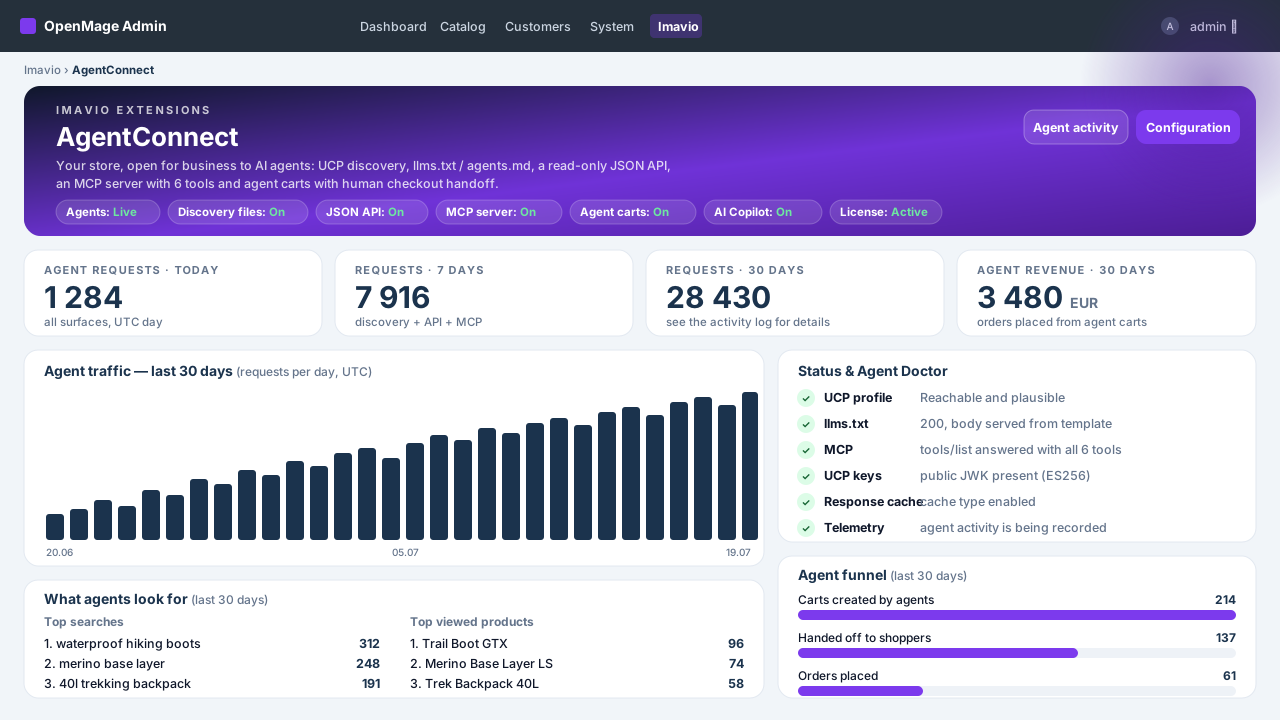
AgentConnect — KI-Agenten & Agentic Commerce
Machen Sie Ihren OpenMage-Shop für KI-Agenten auffindbar und einkaufbar — UCP-Discovery, llms.txt, saubere Read-only-JSON-API, MCP-Server für Claude und ChatGPT, Agenten-Warenkörbe mit menschlichem Checkout und vollständige Umsatz-Attribution — plus ein KI-Copilot im Admin mit Ihrem eigenen Schlüssel.