
Popup Manager — Onsite Campaigns & Social Proof
The popup extension OpenMage never had
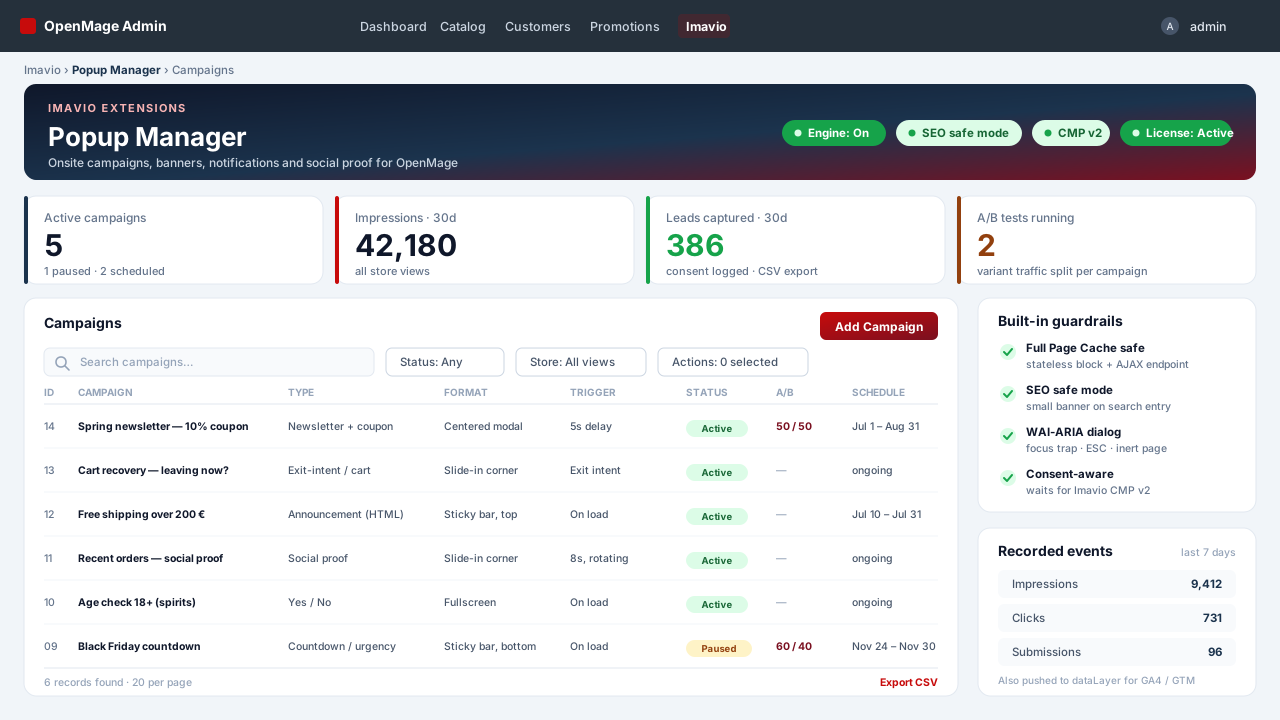
Search the OpenMage ecosystem for a popup module and you come back empty-handed: the community index awesome-openmage lists none, and neither does FireGento. The commercial Magento 1 modules everyone remembers — Magebird, Plumrocket, Aheadworks — are in maintenance mode, and not one of them advertises OpenMage support. Imavio Popup Manager is built for OpenMage from the first line: one extension for newsletter popups, announcement bars, exit-intent offers, age checks, countdowns and social-proof notifications.
Cache-safe by construction, not by workaround
Most popup modules survive Full Page Cache by disabling it — a global cacheable="false" that quietly costs you your page speed. This one takes the opposite route. The only thing rendered into your page is a stateless block: a single deferred script tag with an endpoint URL and nothing else, so it is harmless even when cached forever. Campaigns, their HTML, the targeting result and the form key all arrive from an AJAX endpoint that sends no-store headers. That matters more than it sounds: with request-processor caches (Varnish/Turpentine, Cm Diehard) a cache hit returns before Magento even loads its modules, so anything stateful rendered inline is broken by definition. And because the form key comes from the AJAX response, you never hit the classic stale-form-key problem that plagues cached Magento 1 storefronts.
Six campaign types, one extension
- Newsletter + coupon — subscribes through the native newsletter model and hands out a unique coupon code per lead (or a fixed shared code, if you prefer zero database writes).
- Free-form HTML announcement — with CMS directives such as
{{store url}}so your links survive store switches. - Yes / No — two-step age verification and similar gates.
- Exit-intent & cart recovery — desktop pointer-leave and the mobile fast-scroll-back equivalent.
- Social proof from real orders — "Ana from Cluj just ordered X", built from your actual sales data. On Magento 2 this is sold as a separate product at $79–99; on Magento 1 it simply did not exist.
- Countdown / urgency — for campaigns with a real deadline.
Formats, triggers and targeting that behave
- Formats: centered modal, corner slide-in, sticky bar top or bottom, full screen, inline block, plus a re-open teaser.
- Triggers: on load, after N seconds, at N% scroll (via
IntersectionObserver, not a scroll listener), after N pages, exit intent, inactivity, or a click on any CSS selector. - Targeting as a condition tree built on the same rule engine as Cart Price Rules — the admin UI your team already knows. Combine page type and URL, customer group, logged-in state, existing newsletter subscription, order history, cart subtotal, item count and specific products, device, country, UTM/referrer, store view, plus calendar range, weekday and time window.
- Frequency: cookie and localStorage, maximum N impressions, re-show after N days, permanent exclusion after conversion, priority between campaigns and a strict "one popup at a time" rule.
Four things nobody else on Magento 1 gives you
- SEO safe mode. Google rewrote its Interstitials and dialogs guidance on 10 December 2025: it no longer splits mobile from desktop and explicitly recommends small banners for newsletter sign-up prompts. SEO safe mode enforces exactly that on the first page of a session arriving from a search engine — a bar or slide-in with a limited footprint. Full-screen modals remain available, with a warning next to the setting.
- Real accessibility. Native
<dialog>withshowModal()— top layer, cyclic focus trap, ESC to close, focus returned to the trigger, the rest of the page markedinert, close buttons of at least 30×30 px, correctrole/aria-modal/aria-labelledby. The European Accessibility Act made this a legal requirement; almost no popup tool complies. - Consent-aware, with a GDPR registry. Marketing campaigns wait for the consent decision instead of covering your cookie banner — natively with Imavio Consent Manager (CMP v2). Every lead is stored with the consent timestamp, the exact text version consented to, the campaign and the A/B variant, exportable to CSV. Opt-in checkboxes are unticked by default and link to your privacy policy.
- A/B testing built in. Multiple variants per campaign, percentage traffic split, separate metrics per variant, and a winner you declare when the data says so.
Measured, and quiet about it
Impressions, clicks, conversions, click-through and close rates — broken down by variant, device and campaign. Every event is also pushed to the dataLayer (popup_view, popup_click, popup_submit, with campaign and variant IDs) so GA4 and GTM see exactly what your admin sees.
Engineered for the storefront you actually run
- Vanilla JavaScript, zero dependencies — no jQuery, no Prototype, no conflict with your theme.
- No layout shift. Top layer and
position: fixed, animations restricted totransformandopacity, stable scrollbar gutter on scroll lock — CLS stays at zero by construction. - Mobile that works — separate mobile layout and a "hide on mobile" switch that genuinely hides, plus a documented
setTimeoutfallback for browsers withoutrequestIdleCallback(Safari and iOS) so your popup actually appears on iPhone. - Country targeting without the licensing trap — CDN headers first (Cloudflare
CF-IPCountry, CloudFront), then a bundled DB-IP IP-to-Country Lite database under CC BY 4.0 (no account, no license key), and optionally your own GeoLite2 file. Country level only, no IP stored, geo off by default. - No core table is altered, and the code you may need to touch stays open: configuration, install scripts, layout and templates ship unencrypted.
Your campaigns never depend on your license
Campaign delivery is never gated by license state. An expired license only shows admin notices and stops updates — it will never switch off your campaigns. The license unlocks updates and support, nothing more.
Technical requirements
OpenMage LTS 19.x/20.x or Magento CE 1.9.x · PHP 7.2–8.3 · ionCube Loader (free) on the server.
Platform
OpenMage
Latest version
—
PHP
—
Updated
—
1. Requirements
- OpenMage LTS 19.x/20.x or Magento CE 1.9.x
- PHP 7.2–8.3 with the ionCube Loader enabled (most hosts have it; check with a
phpinfo()page or ask your host) - A working cron, if you want scheduled campaigns to start and stop on their own
2. Install the files
- Download the package from your Imavio account (Downloads) after purchase.
- Unzip it and upload the contents over your Magento root — it merges into
app/code/local/Imavio/Popup,app/etc/modules/Imavio_Popup.xmlandapp/design/…. No core files are overwritten and no core table is altered. - Flush the cache: System → Cache Management → Flush Magento Cache. The setup script creates the
imavio_popup_*tables automatically. - The extension ships disabled by default — installing it changes nothing on your storefront until you turn it on in step 4.
3. Activate your license
- Go to System → Configuration → Imavio Extensions → Popup Manager → License.
- Paste the license key from your Imavio account and save — activation is instant.
- Campaign delivery never depends on license state; the license only unlocks updates and support.
4. Configure the engine
- In System → Configuration → Imavio Extensions → Popup Manager, switch Enabled on for the store views you want.
- Leave SEO safe mode on unless you have a reason not to: on the first page of a session arriving from a search engine it forces a bar or slide-in instead of a full-screen modal, in line with Google's Interstitials and dialogs guidance.
- Set the consent mode. With Imavio Consent Manager installed, choose to wait for the consent decision so marketing campaigns never cover your cookie banner.
- Country targeting is off by default. Turn it on only if you need it, and pick your source: CDN header (Cloudflare, CloudFront), the bundled country database, or your own GeoLite2 file.
- If you use a Full Page Cache, nothing needs punching out — the injected block is stateless. The documentation lists, for each FPC, how to declare it anyway if your setup requires it.
5. Build your first campaign
- Open Imavio → Popup Manager → Campaigns and click Add Campaign.
- General: name, type (newsletter + coupon, announcement, yes/no, exit-intent, social proof, countdown), status, priority, store views and the date range.
- Content: headline, body, button labels, coupon settings. For newsletter campaigns, remember the consent checkbox text — it is stored verbatim with every lead.
- Design: format (modal, slide-in, sticky bar, full screen, inline), position, colors, radius and animation.
- Trigger & frequency: on load, delay, scroll depth, page count, exit intent, inactivity or click selector — then maximum impressions, re-show interval and what happens after a conversion.
- Targeting: build the condition tree exactly as you would for a Cart Price Rule — page, customer, cart, context and schedule conditions combined with AND/OR.
- Variants: optional. Add a second variant and split the traffic to run an A/B test.
- Save, then set the status to Active.
6. Verify
- Open your storefront in a private window and reproduce the trigger. The campaign should appear once, respect the frequency rules, close with ESC and return focus to where it was.
- Reload the page: with a Full Page Cache enabled, the page is served from cache and the popup still evaluates correctly — that is the AJAX endpoint doing its job.
- Submit the form and check Imavio → Popup Manager → Leads: the entry carries the consent timestamp, the text version, the campaign and the variant.
- Check the statistics grid for impressions and clicks, and your GA4/GTM preview for the
popup_view/popup_click/popup_submitevents.
7. Updates & support
New versions can be installed in one click from Imavio → Popup Manager while your update window is active, or downloaded from your account. An expired license never stops your campaigns — it only shows admin notices and pauses updates. Need help? Open a ticket from your Imavio account — support is included with your license.
Frequently asked questions
Is there any other popup extension for OpenMage?
Not that we could find. The community index awesome-openmage lists none, and neither does FireGento. The commercial Magento 1 modules (Magebird, Plumrocket, Aheadworks) are in maintenance mode and none of them advertises OpenMage support.
Will popups break my Full Page Cache?
No — that is the core design decision. The block dropped into your page is stateless (a single deferred script tag), so it is harmless even when cached. Campaigns, their HTML and the form key come exclusively from an AJAX endpoint that sends no-store cache headers. Nothing is marked cacheable="false".
Does it need jQuery or Prototype?
Neither. The frontend is vanilla JavaScript with zero dependencies, so it cannot collide with your theme — including the rwd theme, which loads jQuery under $j in noConflict mode.
Will a popup get my store penalised by Google?
Google rewrote its "Interstitials and dialogs" guidance on 10 December 2025 and now recommends, in text, small banners for newsletter sign-up prompts. SEO safe mode applies exactly that: on the first page of a session arriving from a search engine it forces a bar or slide-in with a limited footprint. Full-screen modals stay available, with a warning in the admin.
How does it work with my cookie banner?
Marketing campaigns wait for the consent decision instead of stacking on top of the cookie banner. With Imavio Consent Manager (CMP v2) the integration is native; every captured lead is stored with the consent timestamp, the exact text version, the campaign and the A/B variant, exportable to CSV.
Does the license block my campaigns when it expires?
No. The license is perpetual per domain — an expired license only shows admin notices and pauses updates. Your campaigns keep running.
Customer reviews
No reviews yet — be the first to share your experience.
Log in to write a review.
You might also like
 OpenMage
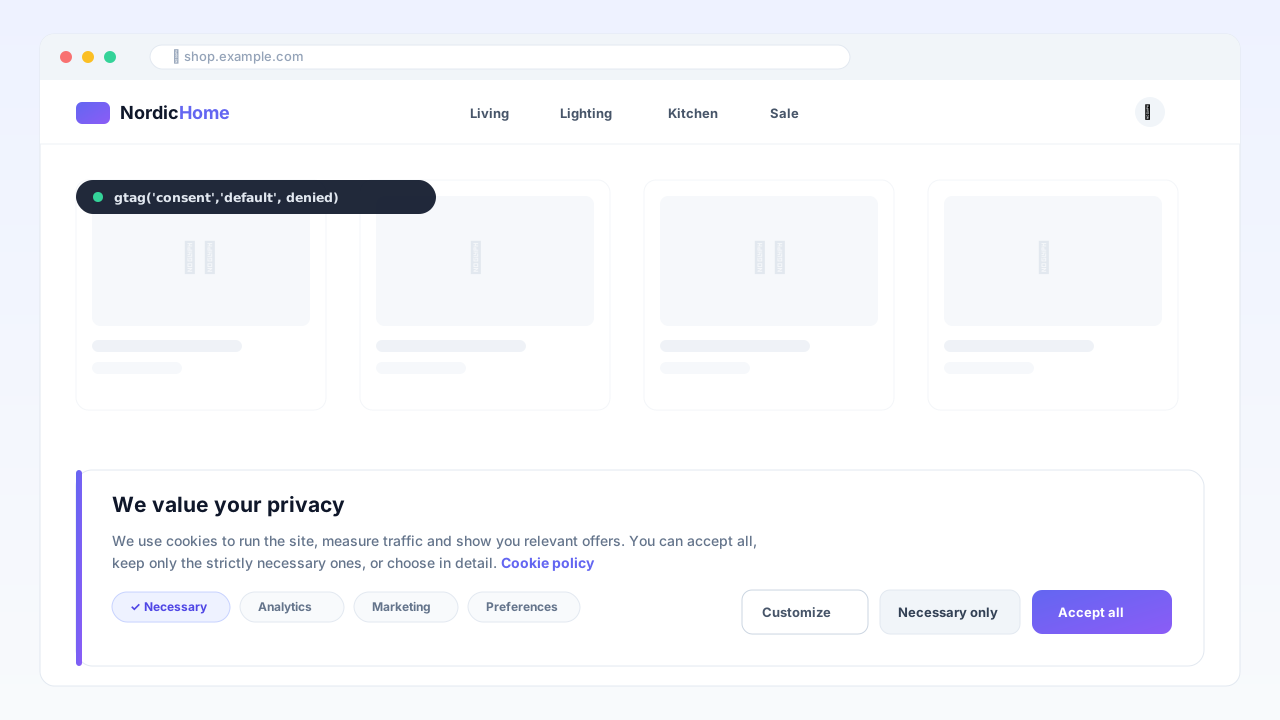
Consent Manager — Google Consent Mode v2
GDPR cookie banner with native Google Consent Mode v2, AMP support and a consent registry — cache-safe, no external CMP fees.
 OpenMage
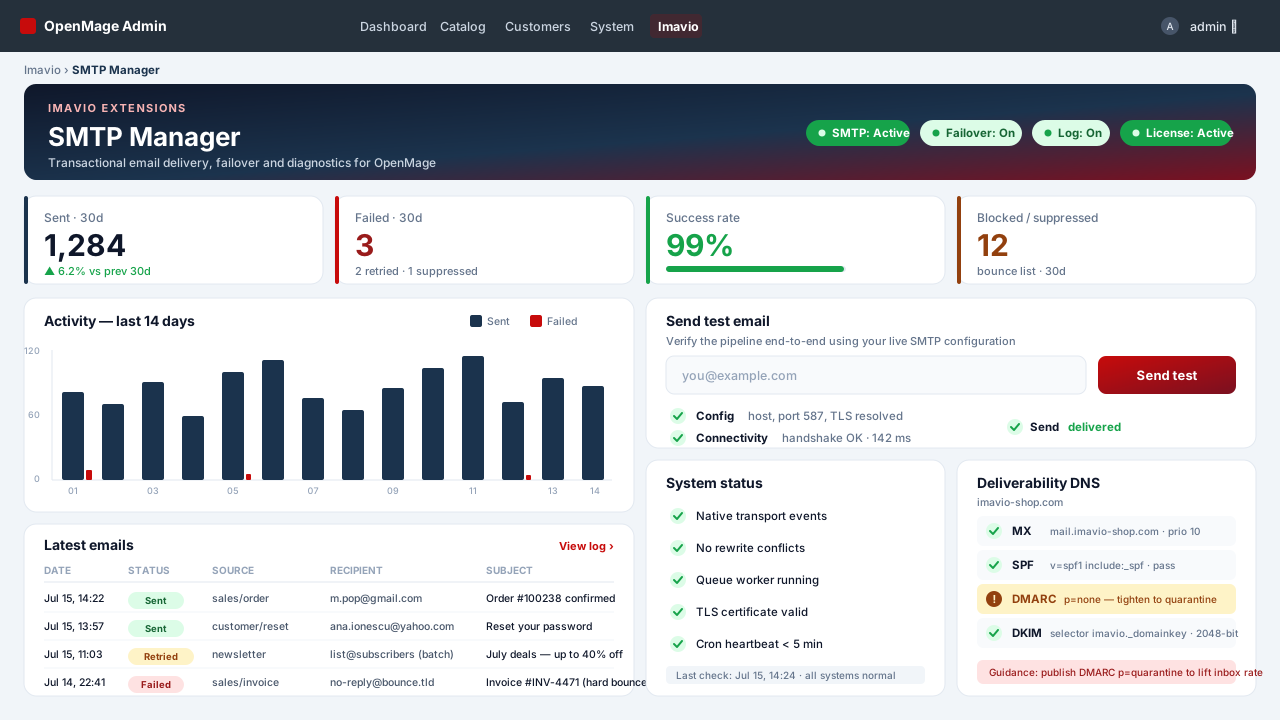
SMTP Manager — Authenticated Email & Log
Authenticated SMTP for every OpenMage email — transactional, order queue, checkout and newsletters — with a full send log, automatic failover and a deliverability doctor, all without rewriting a single core class.
 OpenMage
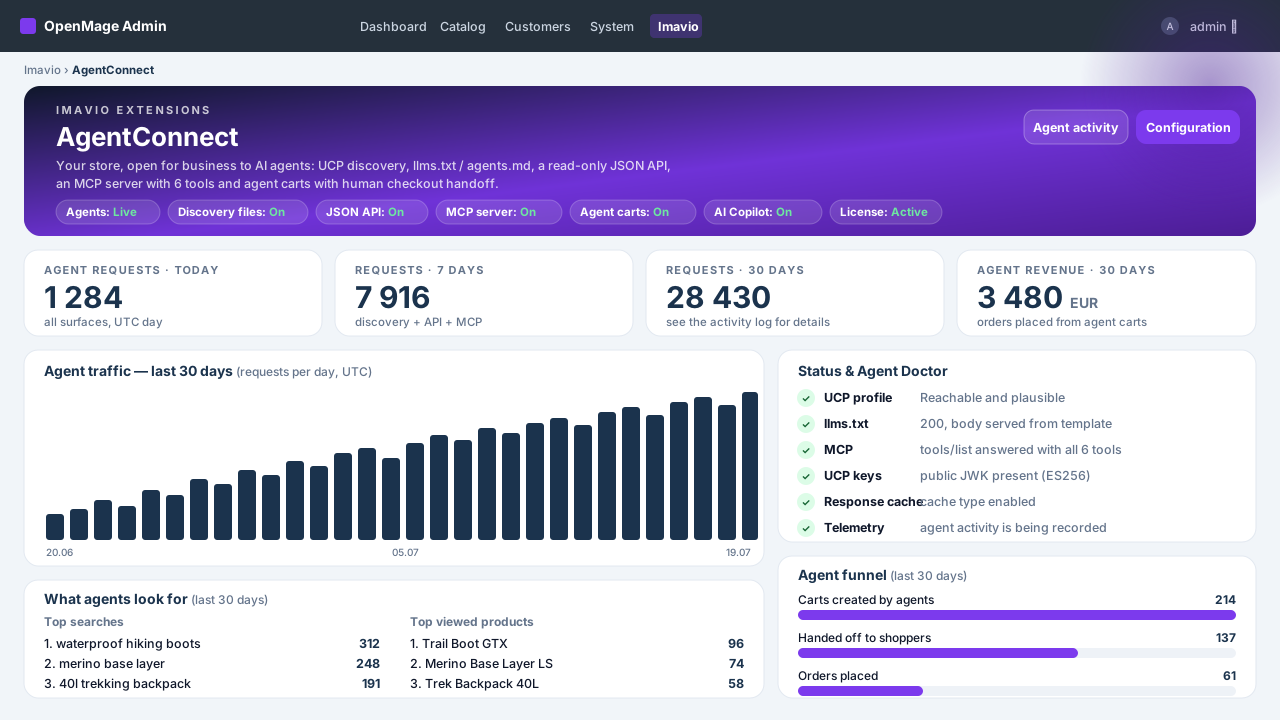
AgentConnect — AI Agents & Agentic Commerce
Make your OpenMage store discoverable and shoppable for AI agents — UCP discovery, llms.txt, a clean read-only JSON API, an MCP server for Claude and ChatGPT, agent carts with human checkout and full revenue attribution — plus an admin AI copilot powered by your own key.